This thread has been translated into English.
How to insert photos
Larsay · 2024-12-08
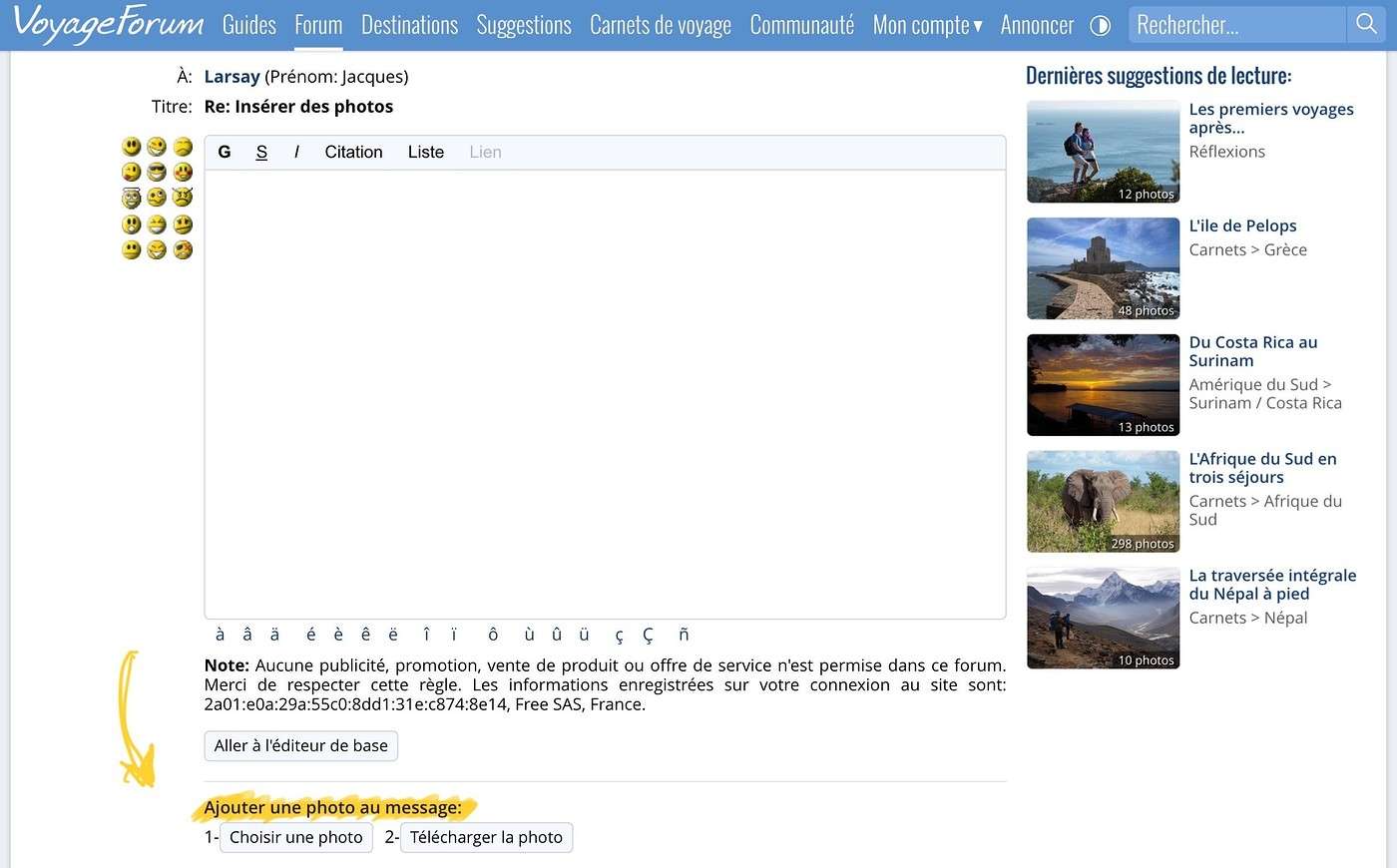
I can't find the "Add a photo" button anymore. How do I do it?
Inserting photos
Masterpo · 2024-12-08
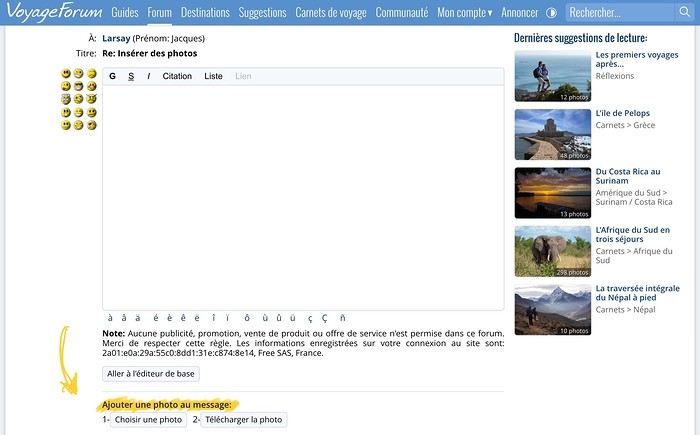
That said, the answer can also be found in the similar discussions below...
Inserting photos
Larsay · 2024-12-09
THANKS. It's really weird because I don't have that option on my post, but I just typed another one and the "Add a photo" mention appears
Inserting photos
Larsay · 2024-12-09
Correction: I did get the "Add a photo" option, which I do, but it doesn’t copy anything and just repeats the message
Inserting photos
Kola · 2024-12-10
I did get the "Add a photo" option, which I do, but it doesn’t copy anything and just repeats the message
Before you add the photo, did you follow the preliminary steps (listed under the yellow scribble in Masterpo’s message)?
1: Select
2: Upload
Only after that can you insert the image into your post.
Inserting photos
Jojoone1 · 2024-12-11
Once you’ve uploaded the photo and see it as a thumbnail, click in the body of your message and add it.
This lets the photo appear immediately in full size where you want it.