Locus Map on tablet vs PC
Hi there,
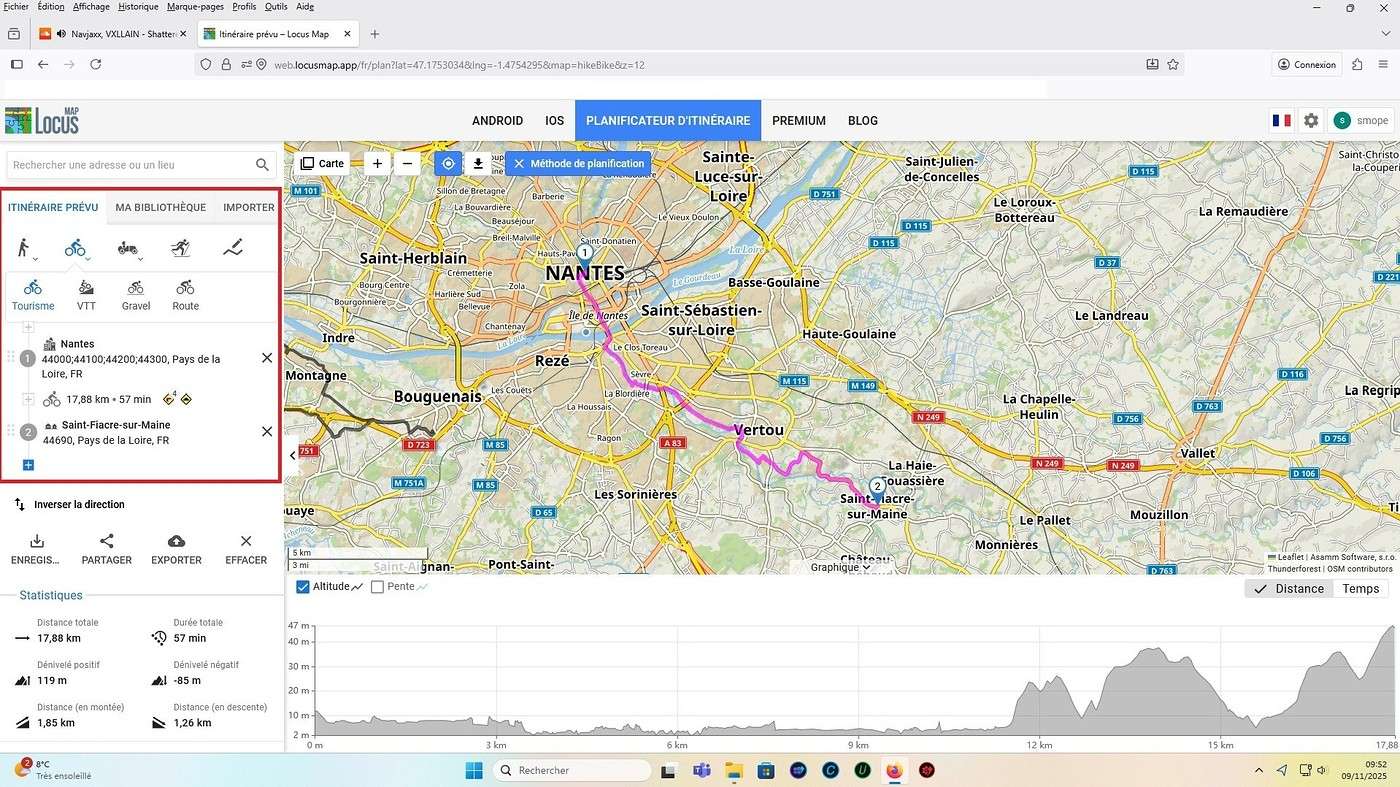
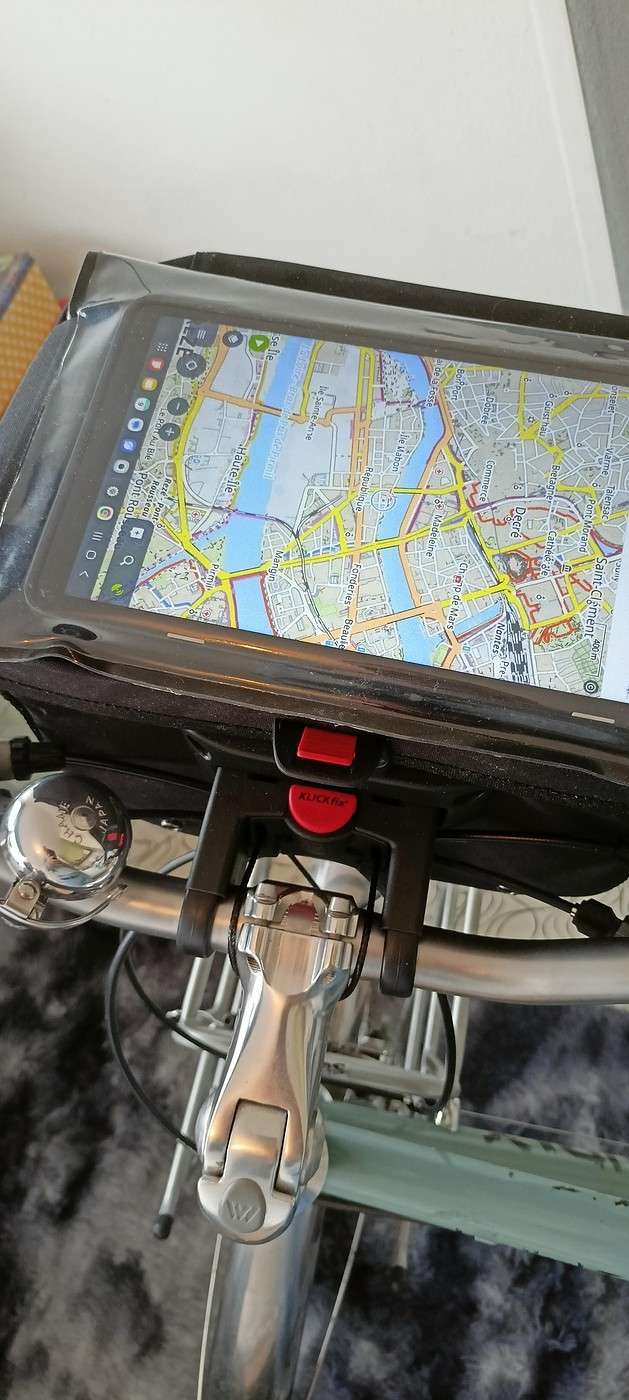
I got a handlebar bag for my bike with a KlickFix system and a Galaxy Tab A tablet. I can fit the tablet into the waterproof transparent pouch on the bag—it’s absolutely awesome, I’ve got my dashboard right on the handlebar! I’d like to use Locus Map for geolocation and create a route from Nantes to Saint-Fiacre-sur-Maine. On my PC, with Locus Map, I see the interface on the left to create a planned route (like in the red-framed screenshot below). But on my tablet (using the app), I can’t find the interface to create a planned route from point A to B like I can on the PC. I need help figuring out how to create a route from A to B on my tablet with Locus Map—I know how to find and download a GPX file, but for Nantes to Saint-Fiacre-sur-Maine, there’s no GPX file available online. Also, does anyone know how to remove the ads on Locus Map?
Thanks in advance—David
I got a handlebar bag for my bike with a KlickFix system and a Galaxy Tab A tablet. I can fit the tablet into the waterproof transparent pouch on the bag—it’s absolutely awesome, I’ve got my dashboard right on the handlebar! I’d like to use Locus Map for geolocation and create a route from Nantes to Saint-Fiacre-sur-Maine. On my PC, with Locus Map, I see the interface on the left to create a planned route (like in the red-framed screenshot below). But on my tablet (using the app), I can’t find the interface to create a planned route from point A to B like I can on the PC. I need help figuring out how to create a route from A to B on my tablet with Locus Map—I know how to find and download a GPX file, but for Nantes to Saint-Fiacre-sur-Maine, there’s no GPX file available online. Also, does anyone know how to remove the ads on Locus Map?
Thanks in advance—David